
Pick your problem
- The browser demo will not load
- The Steam game crashes or will not start
- Late levels stutter or slow down
- Saves do not stick on Linux / Proton
- Mac or phone
The browser demo will not load
- Open the demo on its itch.io page directly. If it runs there, the problem is the embed on this site, not your computer.
- Allow third-party frames for this site: strict tracking protection and content blockers often stop the itch.io frame.
- Try a private window. If it works there, compare extensions, cookies and browser privacy settings.
- If it also fails on itch.io, try another browser or network before reporting the failure; a local browser, network or hosting issue can cause the same symptom.
The Steam game crashes or will not start
- Update to 1.1.1. Update 1.1.0 fixed the game failing to start on some older graphics cards.
- In Steam: right-click the game → Properties → Installed Files → Verify integrity of game files. This checks installed game files; save handling is separate.
- Check your PC against the requirements below; the GPU needs 2 GB of VRAM.
- Add the launch option
--performance-log, reproduce the problem, and attach the log when you report it on the game's Steam discussion board. - When reporting, include the version, what happens (black screen, stuck loading, crash to desktop) and your graphics card.
System requirements
| Minimum | Requirement |
|---|---|
| OS | Windows 10 or newer, 64-bit |
| CPU | Intel Core i5-4590 / AMD Ryzen 3 1200 |
| RAM | 8 GB |
| GPU | GeForce GTX 1050 / Radeon RX 560 with 2 GB VRAM |
| Disk | 1 GB |
Late levels stutter or slow down
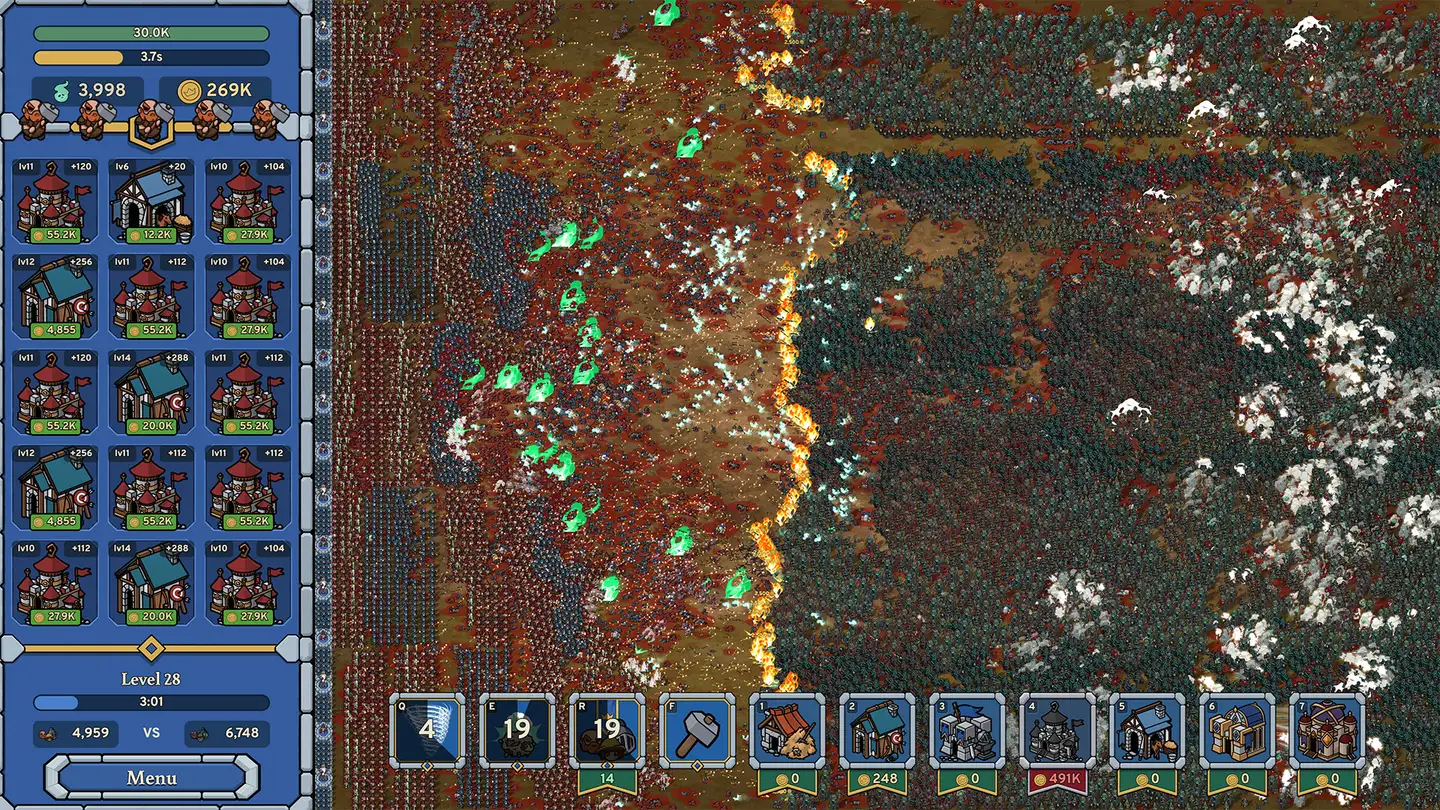
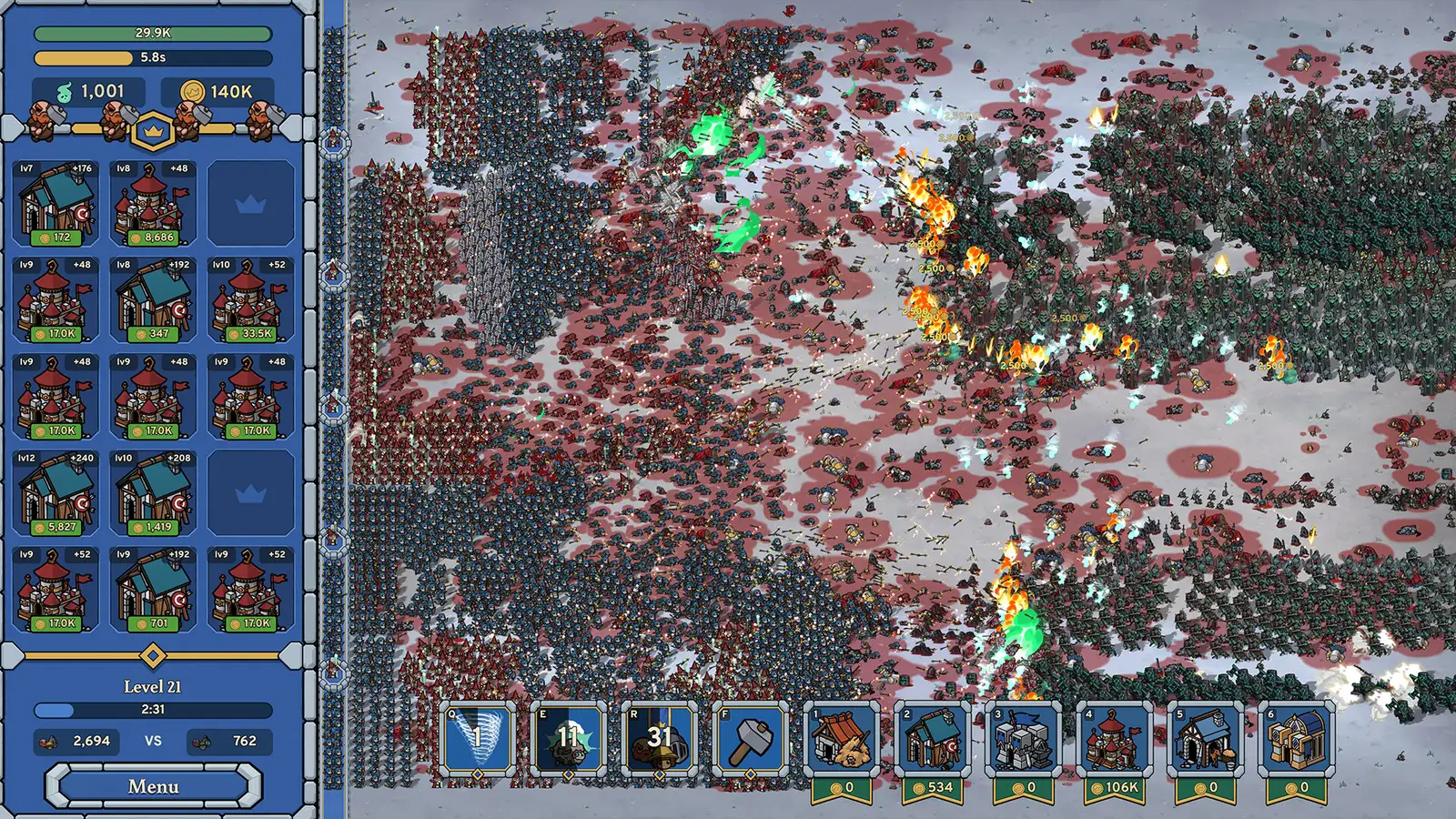
Battles with thousands of units are heavy. Update 1.1.0 fixed a memory leak that made the final level slower the longer it ran and improved performance in large battles and the UI, so updating is the first step. Beyond that, general advice (not game-specific): close background apps and keep GPU drivers current.
Saves do not stick on Linux / Proton
There is no native Linux build yet, but 1.1.0 fixed saving under Proton. If saves still vanish on 1.1.1, report it with the performance log.
Mac or phone
No native Mac or mobile release is listed in the developer sources as of 19 Nov 2026. You can play the browser demo; platform plans are tracked separately.
Where to get help
The developer publishes [email protected] on its contact page (1 source). You can also use the Steam community hub and official Discord. This guide cannot fix your install, but tell us if a fix here is out of date.
Video
Questions
Why does Here Comes the Horde not load in my browser?
Usually a content blocker or strict tracking protection is blocking the itch.io frame. Open the demo on itch.io directly or allow third-party frames for the page.
Why does Here Comes the Horde crash on startup?
Update to 1.1.1, since 1.1.0 fixed startup failures on some older graphics cards, then verify game files in Steam and check you meet the 2 GB VRAM minimum.
What are the minimum requirements?
Windows 10 64-bit, Intel Core i5-4590 or Ryzen 3 1200, 8 GB RAM, GTX 1050 or RX 560 with 2 GB VRAM, and 1 GB of disk.
Sources
Sources were reviewed on 2026-11-19; access limits are recorded below. Status columns distinguish original sources from reference pages.
- Steam store page – Here Comes the Horde — checked 2026-11-19
- Steam news – Update 1.1.0 (17 Nov 2026) — checked 2026-11-19
- Steam news – Hotfix 1.1.1 (17 Nov 2026) — checked 2026-11-19
- itch.io – Here Comes the Horde browser demo — checked 2026-11-19
- herecomes-thehorde.wiki – Not loading — checked 2026-11-19
- herecomes-thehorde.wiki – System requirements — checked 2026-11-19
- Polished Games Discord invite — checked 2026-11-19
- Polished Games – public support contact — checked 2026-11-19